Home
Home
Help/Tutorials
Help/Tutorials
About Us
About Us
English
Sign Up
Login
Login
How to create resume
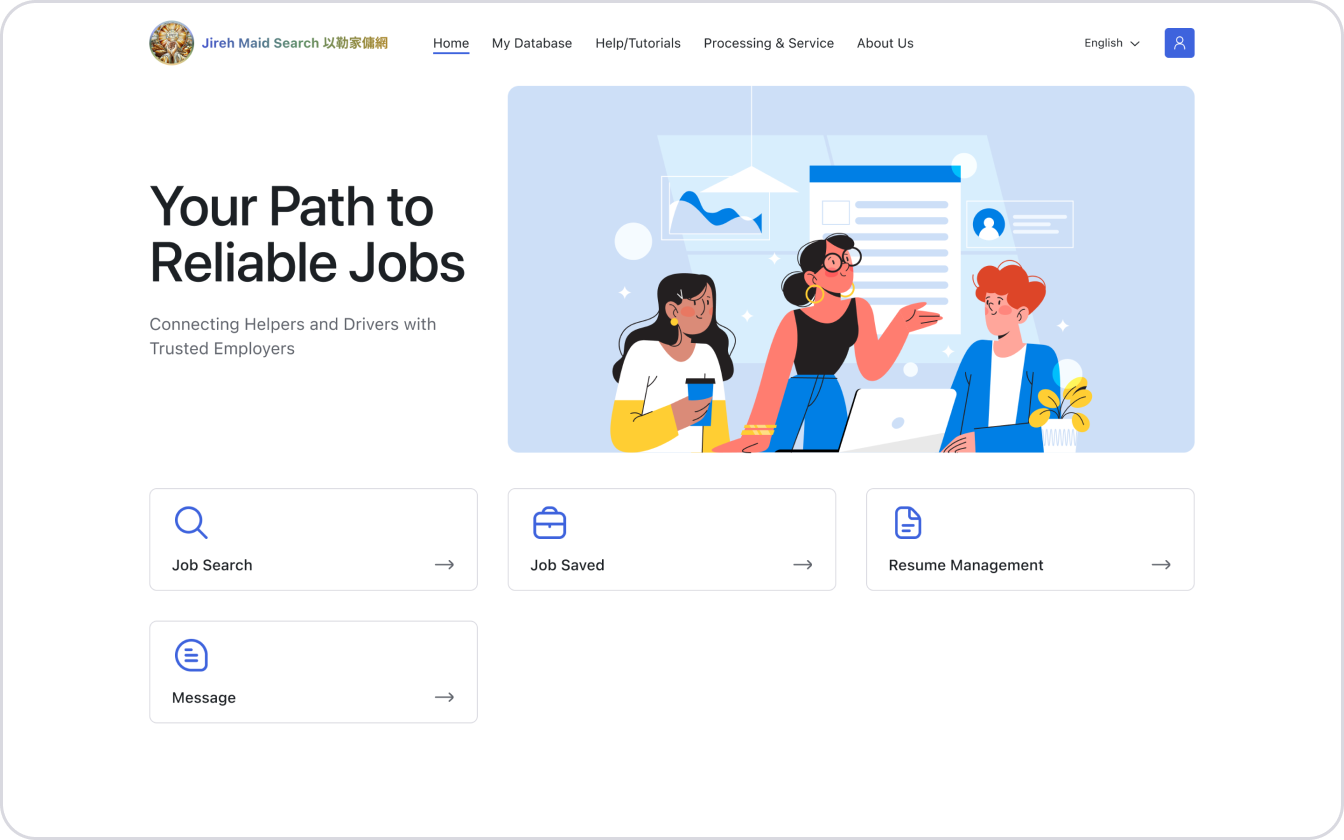
1. Click “Resume Management”
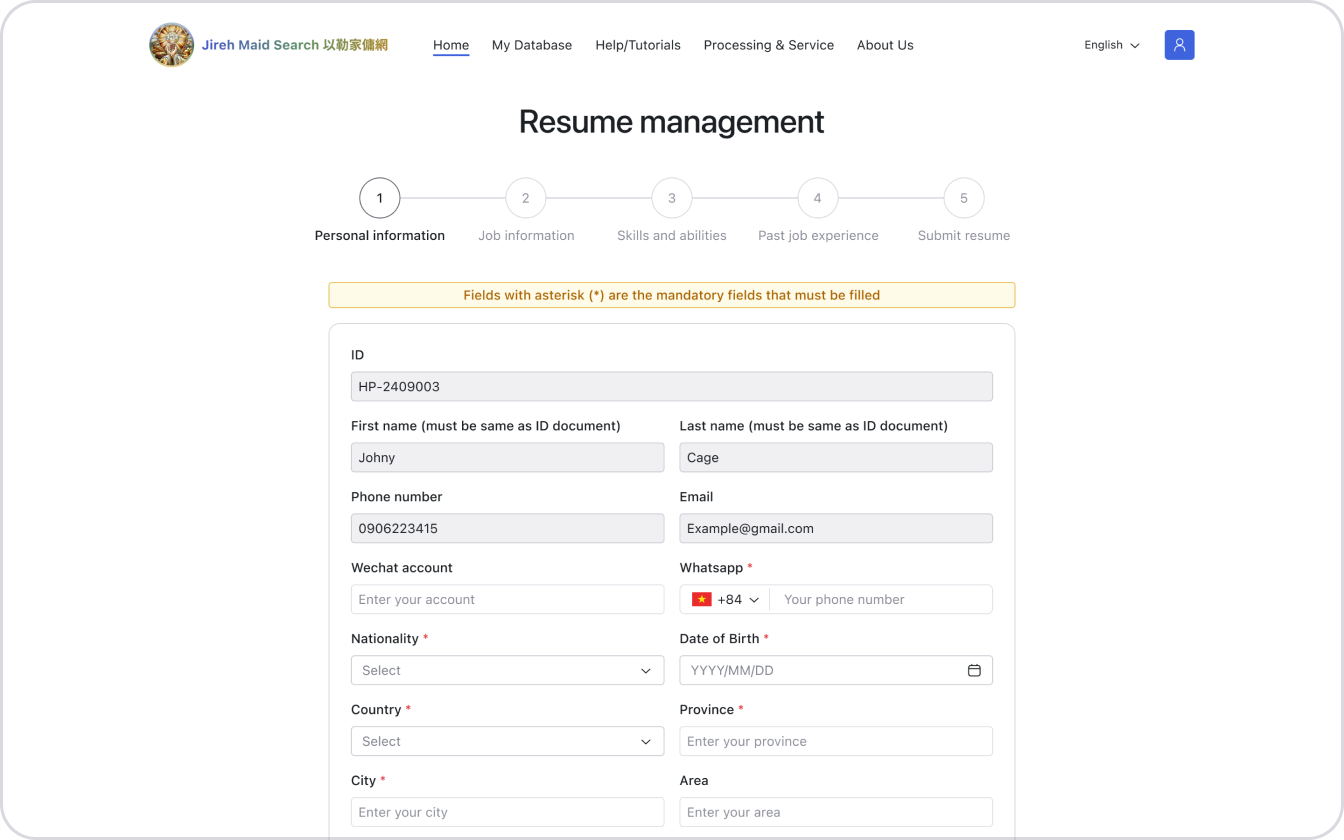
2. Fill in all the mandatory fields in 5 steps
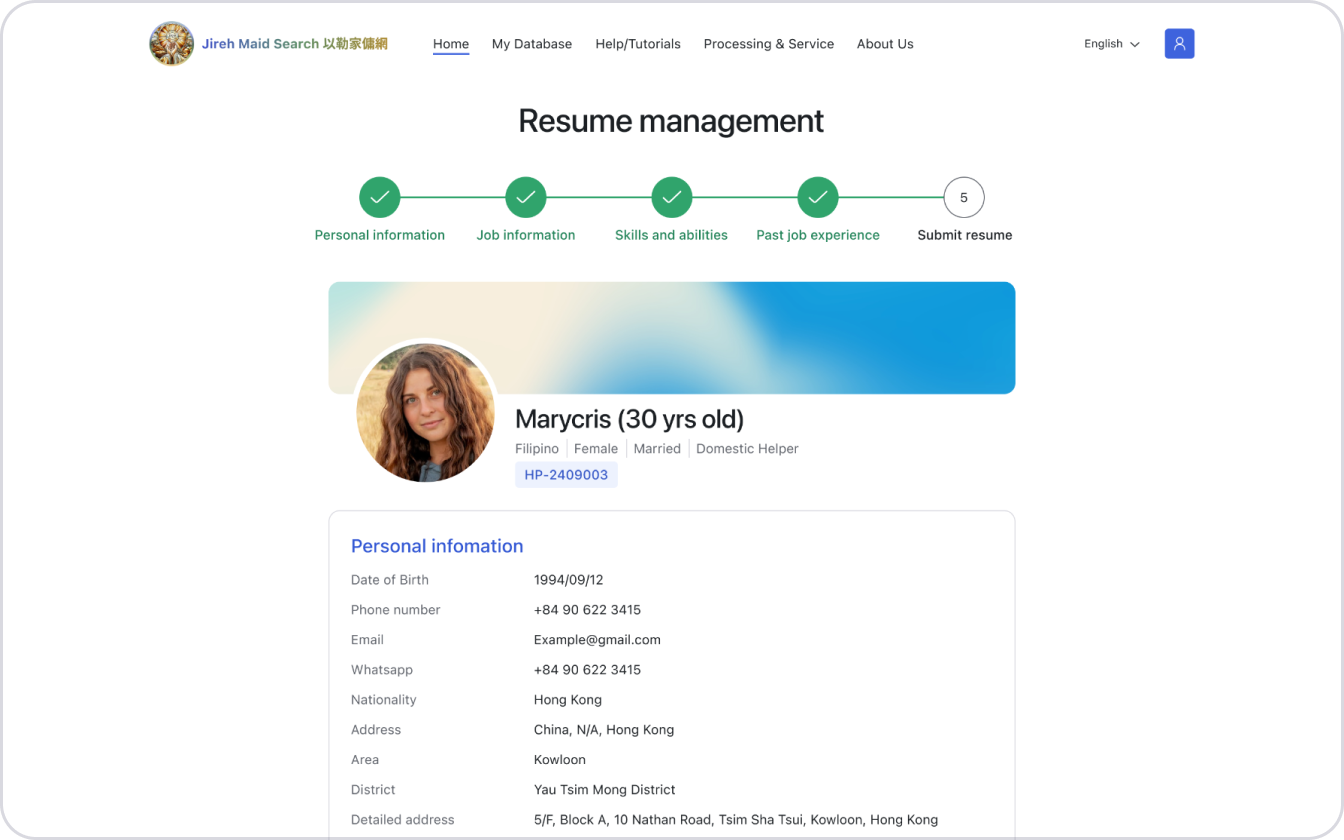
3. Please carefully check the resume details before submitting
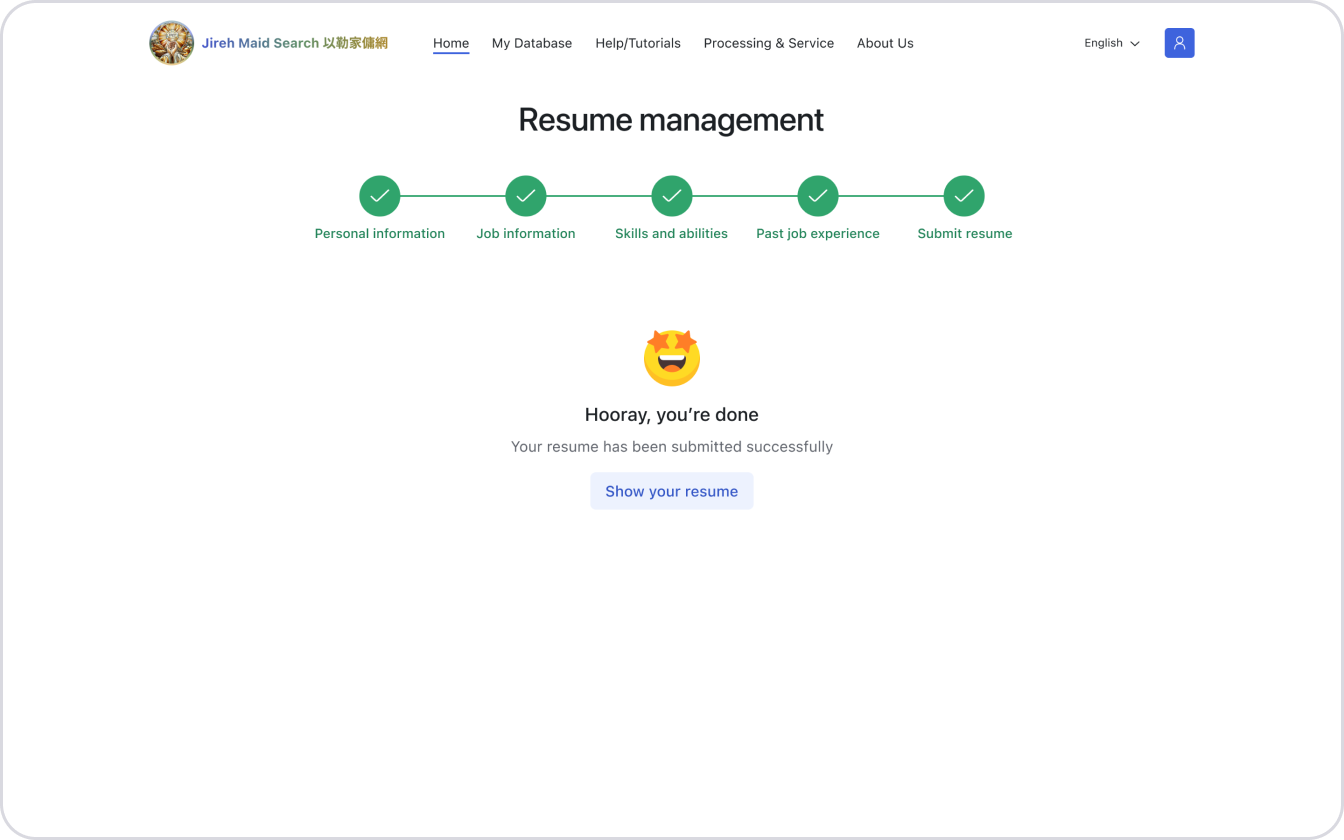
4. Confirm submission to finish creating resume